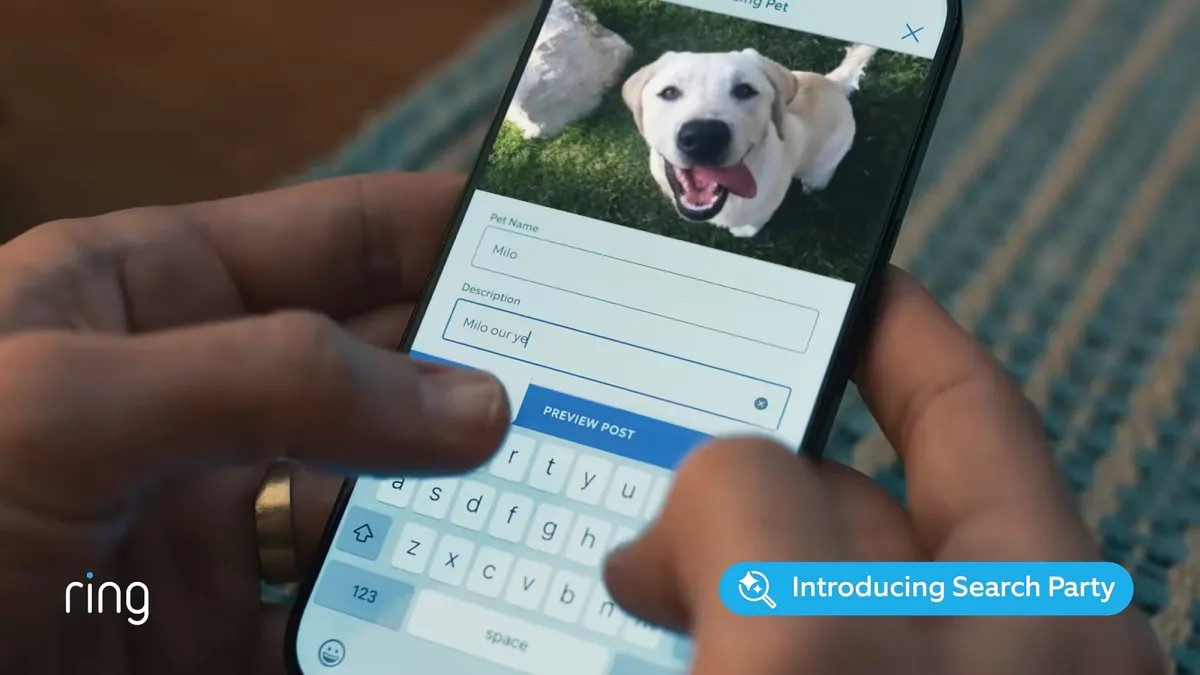
The new Ring Search Party feature is drawing scrutiny for its potential privacy implications alongside its utility in locating lost pets. Launched in September 2023, the program allows Ring cameras to automatically scan for missing animals (currently, dogs) using AI-driven image matching, raising questions about neighborhood-level surveillance. Here’s a breakdown of how it functions and how to disable it if you’re concerned.
How Search Party Works
Ring Search Party enlists compatible outdoor cameras and video doorbells to help find lost pets. If a dog goes missing, its owner submits an image and details to Ring, and the system then activates nearby cameras to scan for a match. This isn’t entirely new: Apple’s AirTags utilize a similar network of devices to locate lost items. However, Ring’s feature can record video, unlike AirTags, which only track location, increasing privacy concerns.
According to Ring, the feature has already helped find over one dog per day since its rollout. The company claims that footage analysis is voluntary for camera owners, who retain control over whether to share identified matches.
Why the Controversy?
The core issue isn’t about finding lost dogs but about the potential for misuse. Critics argue that Search Party represents a step toward mass surveillance, especially when combined with Ring’s existing “Familiar Faces” feature, which identifies people in camera footage. While Ring states Familiar Faces data remains private to individual accounts, the broader concern is whether law enforcement could compel Ring to share Search Party footage or if malicious actors could exploit the system.
This debate highlights a growing tension between convenience and privacy. The more connected our devices become, the more data is collected and shared, and the harder it becomes to control who has access to it.
How to Disable Search Party
The feature is enabled by default on all Ring outdoor cameras. To opt out:
- Open the Ring app on your phone.
- Tap the menu button in the top left corner.
- Select “Control Center.”
- Choose “Search Party.”
- Disable the “Search for Lost Pets” setting.
Disabling Search Party prevents your video clips from being analyzed for lost pets, and you won’t receive related notifications. However, anyone can still request help finding a lost dog through the Ring or Neighbors app, even if you don’t have cameras of your own.
The broader question remains: as technology blurs the lines between public safety and privacy, how do we ensure responsible development and implementation? The debate over Ring Search Party is only one example of this ongoing challenge.