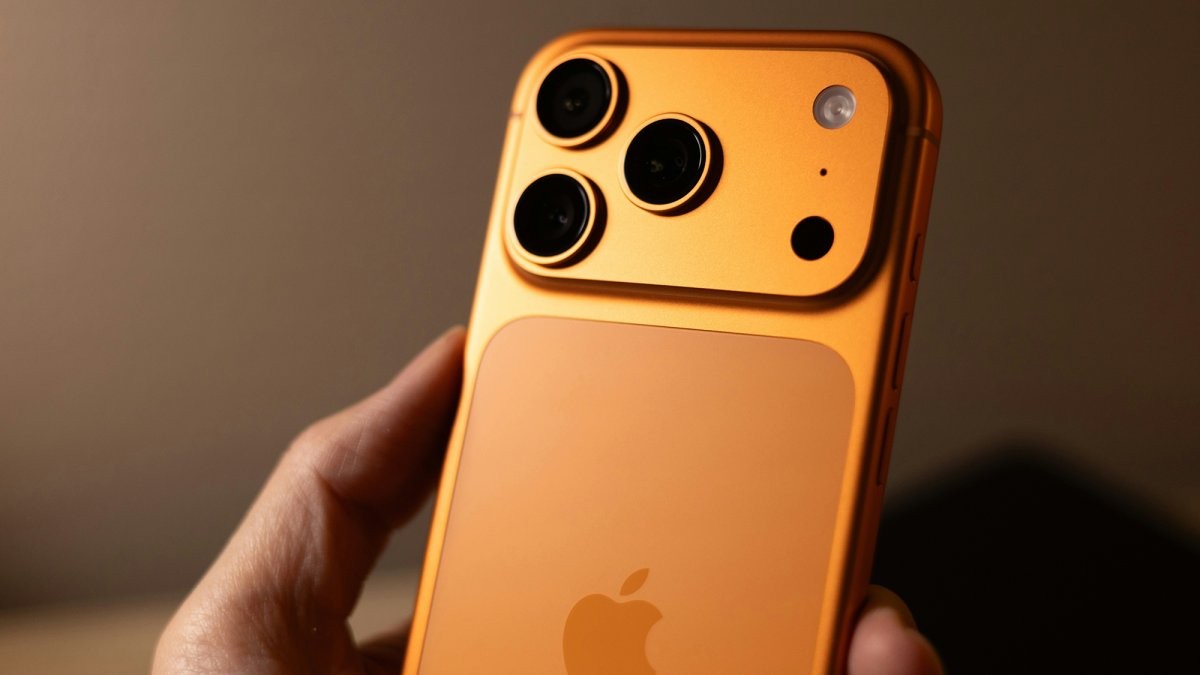
The smartphone world often divides users into two camps: Apple’s iOS and Google’s Android. While brand loyalty is common, switching platforms isn’t as daunting as many believe. This guide breaks down the process, highlighting what works smoothly and where you might encounter friction.
App Compatibility: The Biggest Consideration
The transition is easiest if you heavily rely on cross-platform apps. Google’s suite – Gmail, Maps, Drive, Photos, and Gemini – functions seamlessly on both iOS and Android. However, Apple’s ecosystem poses more challenges. While Apple Music and Apple TV are available on Android, other core Apple apps like Mail, Photos, and Notes require exporting data or starting fresh.
If you’re deeply embedded in Apple’s world, consider keeping an iPad or Mac handy; you can continue using Apple apps there while adjusting to Android. Most third-party apps (Snapchat, Spotify, Netflix) are universal, but niche favorites like Overcast (iOS) or Tasker (Android) may require replacements.
Messaging: A Potential Headache
Messaging apps are critical for most users, and thankfully, the major platforms work across both operating systems. WhatsApp, Facebook Messenger, Slack, Signal, and Telegram all transfer smoothly. Social media apps with messaging (Instagram, Snapchat, X) also function without issues.
However, transferring SMS, RCS, and especially iMessage chats is complex. Apple doesn’t offer an Android version of iMessage, forcing you to switch messaging platforms. Google and Apple provide tools to help, but the process isn’t always flawless.
Files and Cloud Storage: Mostly Straightforward
Cloud storage has simplified file migration. Google Drive, Dropbox, and Microsoft OneDrive are available on both platforms, allowing easy access to your data. The biggest challenge arises when moving from iCloud to Android. This typically requires downloading files from Apple’s cloud via a Windows or Mac computer and re-uploading them to Google Drive.
Photo and video transfer is relatively streamlined thanks to partnerships between Apple and Google, with both companies offering guides for seamless migration between Photos and Google Photos.
Official Switching Tools: Streamlining the Process
Both Apple and Google offer official tools to make the transition easier. Android Switch (Google) allows wireless or wired data transfer from iPhone to Android, including iMessage conversations and Apple Notes. Move to iOS (Apple) facilitates the reverse migration, handling contacts, photos, videos, and messages.
While no switch is entirely frictionless, these tools significantly reduce the hassle. The key is planning ahead and understanding where your data resides.
In conclusion, switching between iPhone and Android is manageable with proper preparation. The process is smoother for those invested in cross-platform apps and cloud storage. The biggest hurdles lie in migrating Apple-specific data and messaging histories, but official tools and careful planning can minimize disruption.